How to respond to feature requests in Intercom
Last updated 16th May 2026
Note: Intercom rebranded to Fin in May 2026. The product has evolved significantly — Fin is now primarily an AI customer service agent. The advice in this article still applies to teams using the Intercom/Fin platform for customer conversations, and Noora's integration remains available.
The scenario is all too common. A conversation has been started in Intercom by one of your users asking whether you plan to add support for one of their ideas. How do you respond? Intercom has written about the right way to respond to feature requests. This article instead focuses on the workflow and tooling side — how to handle feature requests at scale without losing track of who asked for what, and how to close the loop when something ships.
There are three types of feature requests you will encounter in Intercom:
- Unresolved problems with an existing feature — the user can do something, but it does not work the way they expect.
- Feature improvements — the user wants to extend something that exists.
- Brand new feature requests — something your product does not do at all yet.
In all three cases, the right long-term workflow is the same: capture the request in a dedicated tool, communicate publicly about your decision, and automatically notify the user when something changes. Here is why each step matters.
Reduce repeated conversations by making requests visible
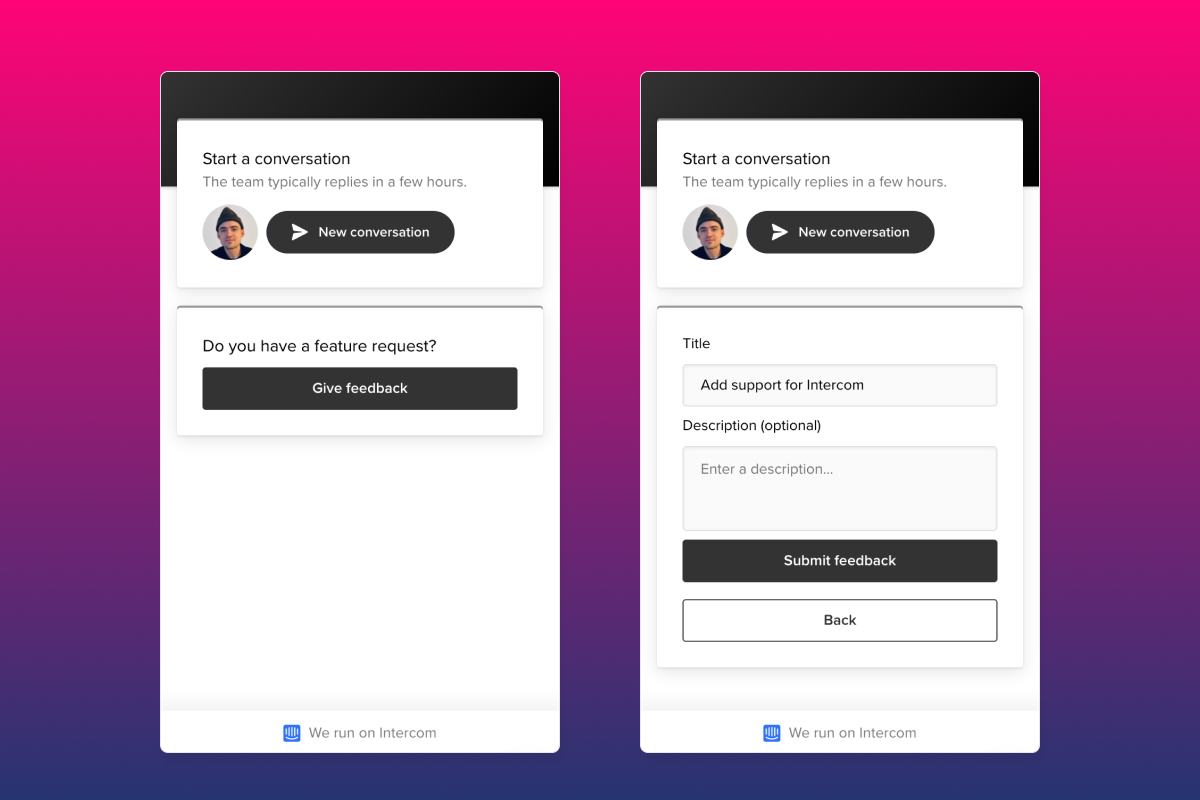
When users can see that a feature has already been requested — and vote on it — they stop starting new conversations about it. Integrating a feature voting tool like Noora directly into the Intercom Messenger means users can search existing requests, add their vote, and move on without needing to open a support ticket. This reduces inbox volume on your support team while capturing more signal from your user base.
Respond publicly, not just privately
Feature voting tools like Noora let you set statuses on requests and add public comments explaining your priorities. When you say no to something — or explain that a workaround already exists — that response is visible to every user who voted for the same request. This is far more efficient than repeating the same explanation in dozens of individual Intercom conversations, and it builds trust by showing users that you are transparent about trade-offs.
Close the loop automatically when features ship
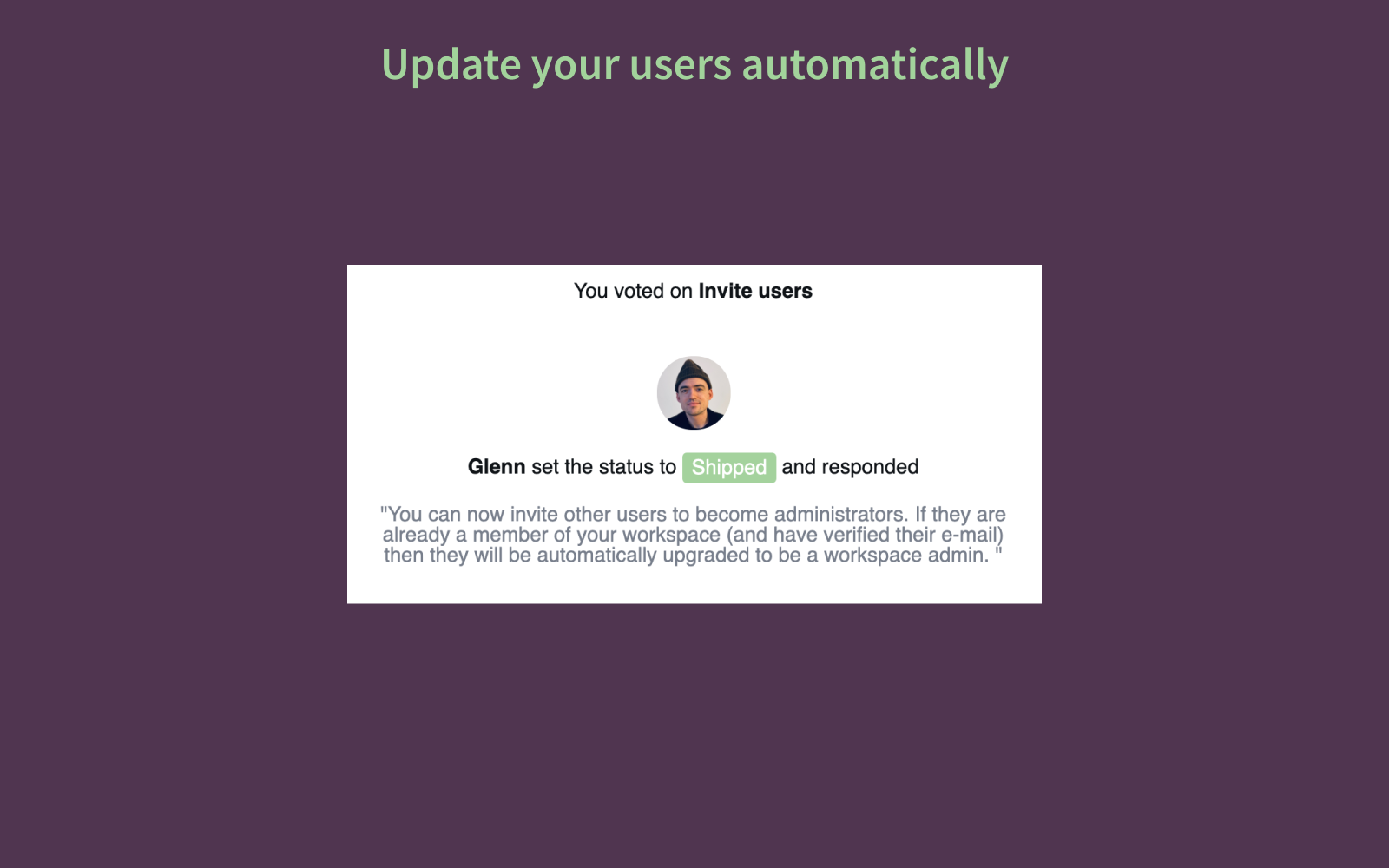
The most common failure in feature request management is that nothing happens after the request is captured. The feature eventually ships, but no one follows up with the users who asked for it. With Noora, when you update a feature request's status to Shipped, every user who voted for it receives an automatic email notification. This creates a moment of genuine delight — users feel that their voice made a difference — and drives re-engagement at the exact moment when the new capability is available.
How to get started
If you are ready to bring this workflow to your Intercom setup, you can find the Noora app in the Intercom marketplace. Once installed, users can search and vote on feature requests directly from the Messenger widget — without leaving the conversation they are already in.
- Sign up for a free 7-day Noora trial.
- Install the Noora Intercom app from the Intercom marketplace.
- Add the Noora widget to your Messenger for authenticated users so committed users can vote without starting a new conversation.
- When a request ships, mark it as Shipped in Noora — every voter is notified automatically.