Best practices for collecting feedback and feature requests in Intercom
Last updated 16th May 2026
Note: Intercom rebranded to Fin in May 2026 and has evolved into an AI-first customer service platform. If you are using Intercom or Fin for customer conversations, the feedback collection workflow described in this article still applies, and Noora's integration remains available in the Intercom App Store.
This article covers the best practices for customer support and success teams collecting and managing user feedback and feature requests through Intercom conversations. There are two distinct channels to handle, and each requires a different approach.
- Feedback buried in support and sales conversations — a user mentions an improvement or pain point as part of a broader chat, for example: "It would be great if I could export this as a CSV" or "Why can't I filter by date here?"
- Explicit feature requests from engaged users — committed users proactively asking for specific functionality, often outside of a support context.
Channel One: capturing feedback from conversations
Feedback buried in conversations is the most common type and also the most frequently lost. A support rep reads the message, helps the user with their immediate problem, and moves on. The insight never reaches the product team.
Noora's Chrome browser extension solves this. Once installed, your support or success team can highlight any text from an Intercom conversation and press Ctrl/Cmd+Shift+Y. The Noora extension captures the highlighted text, links it to the Intercom conversation URL, and pulls in the email address of the user who provided it — creating an "insight" in your Noora workspace with full context intact.
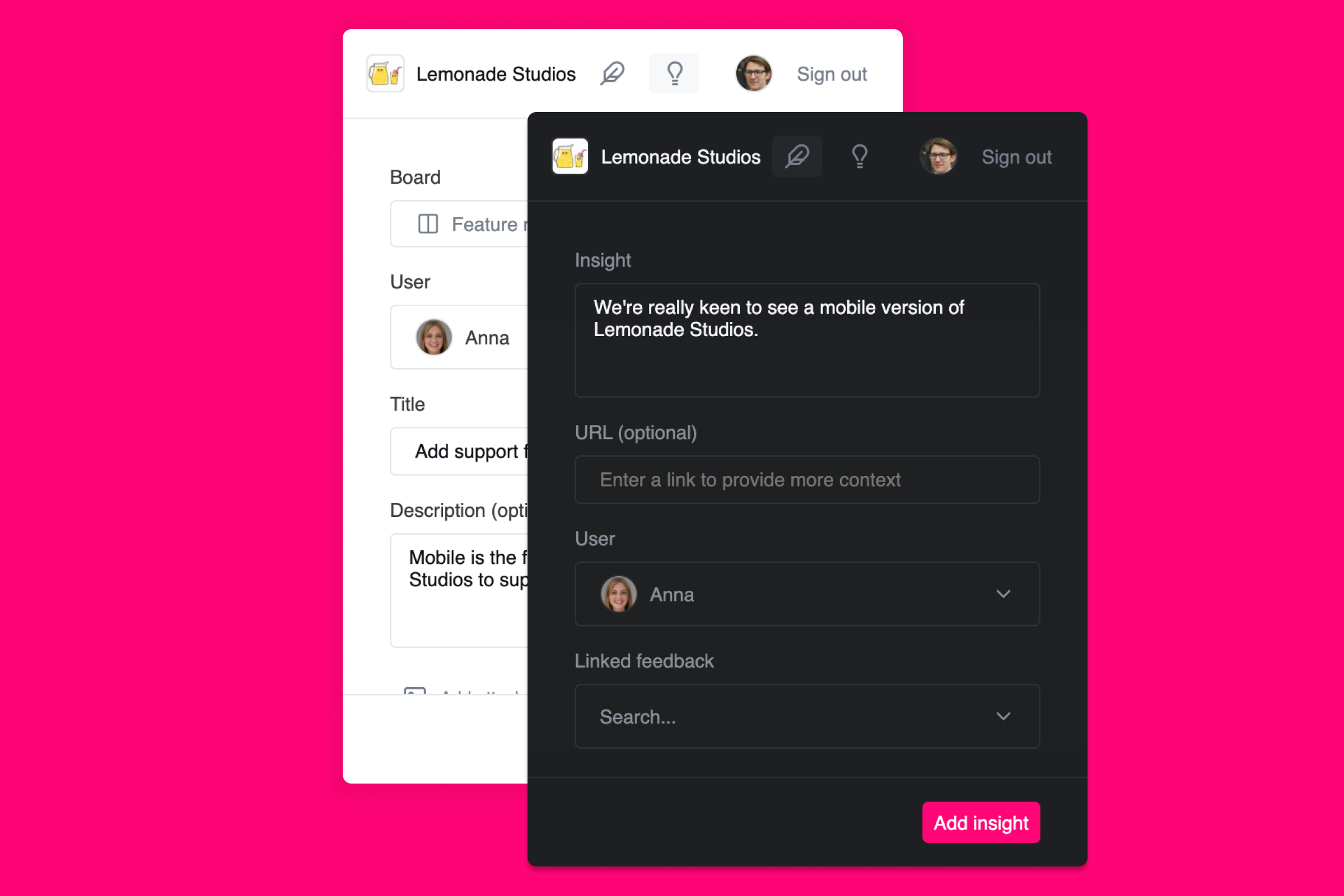
Noora's Chrome extension makes it easy to capture insights from Intercom conversations without leaving the window
When capturing these insights, your team can optionally tag them to an existing feature request — or create a new one on the spot. If your product managers prefer to do the analysis themselves, all captured insights are available in Noora for review, filtering, and linking to roadmap items at any time.
Channel Two: letting engaged users submit requests directly
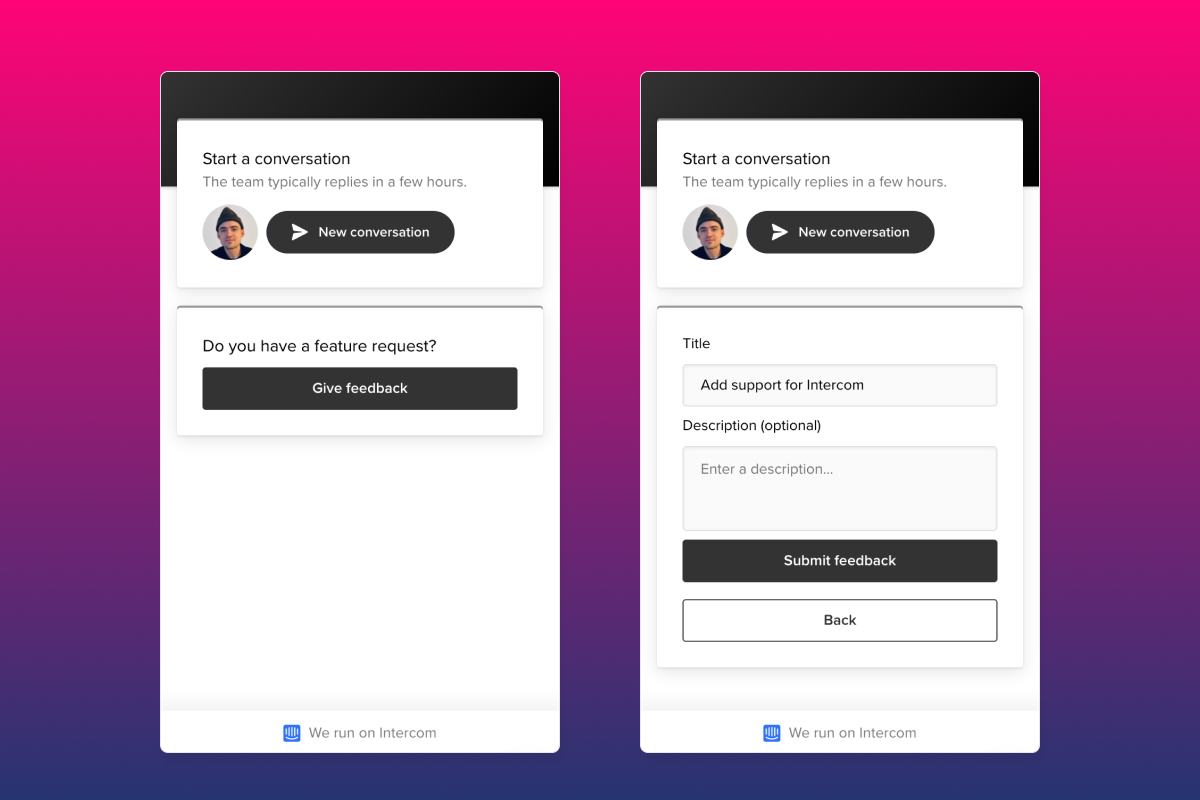
The second channel is handled by Noora's Intercom Messenger integration. Once installed, you can add the Noora widget to the Intercom Messenger for your authenticated users. This lets users search existing feature requests, add their votes, and submit new ideas directly from within the chat interface — without starting a new conversation.
Noora's Intercom Messenger app lets your users search and vote on feature requests directly in the chat widget
The Intercom integration also automatically syncs person and company attributes from your Intercom workspace. These attributes — including plan, company size, and revenue data — can be used in Noora to segment feedback by your most valuable customers. If you send MRR data to Intercom, Noora aggregates it and surfaces it alongside each feature request so you can see the revenue impact of what your users are asking for.
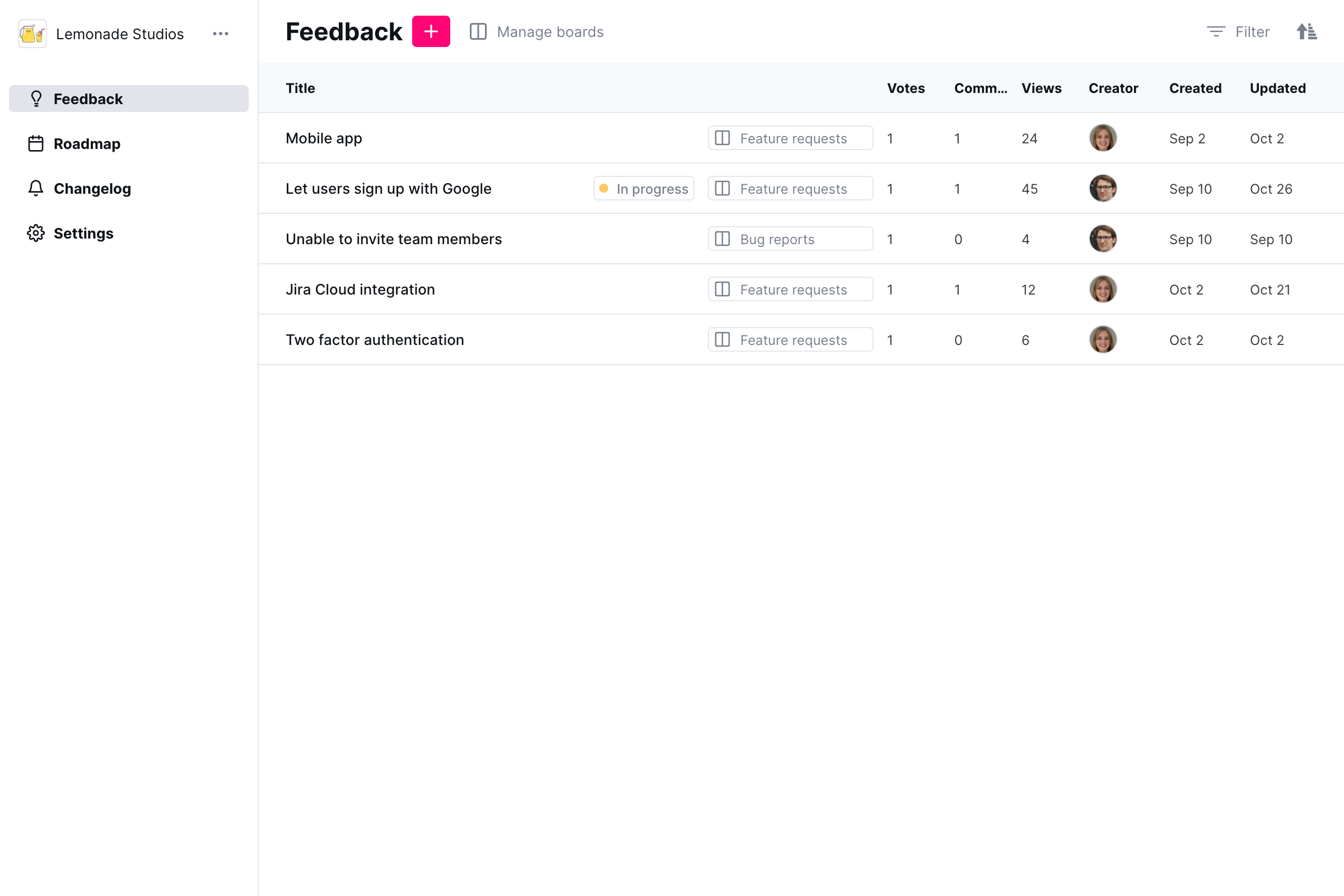
Noora gives you a full overview of all feature requests, filterable by user attributes and revenue
Closing the feedback loop
Capturing feedback is only half of the equation. The other half is following up when something ships — or when you decide not to build it. Noora makes both easy.
When you update the status of a feature request to Shipped, every user who voted for it receives an automatic email notification. You do not need to manually hunt down who asked for the feature in Intercom, copy email addresses, or draft a custom message. The notification goes out automatically, with a link back to the changelog post if you have published one.
For requests you decide not to pursue, Noora lets you post a public comment explaining the reason. This is visible to all voters and is far more efficient than repeating the same response in individual Intercom conversations. Your roadmap link is also automatically surfaced in the Messenger widget, so users can see your current priorities at any time without needing to open a new conversation.
Getting started
- Sign up for a free 7-day Noora trial.
- Install the Noora Chrome browser extension for your support team so they can capture insights from conversations.
- Install the Noora Intercom Messenger app so authenticated users can vote on and submit requests without starting a new conversation.
- As requests accumulate, use Noora's segmentation to filter by revenue or plan — prioritize the features that matter most to your highest-value customers.
- When a feature ships, mark it as Shipped in Noora — every voter is notified automatically.